



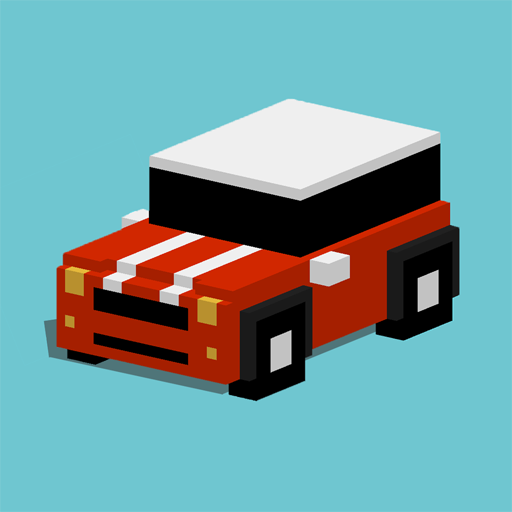
About Reckless Getaway 2: Car Chase
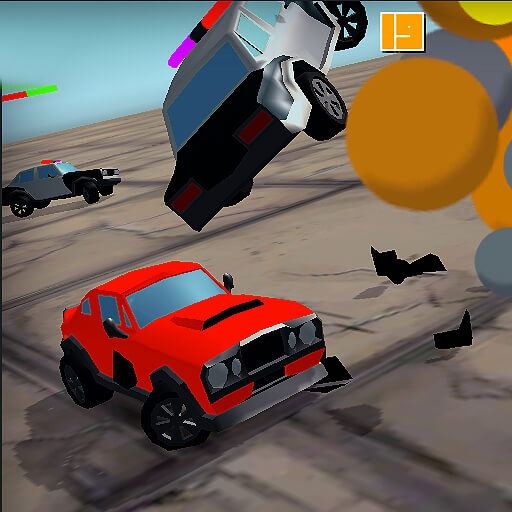
Reckless Getaway 2: Car Chase begins with the getaway already in motion. Your car drives forward while you steer around traffic and barriers, trying to stay ahead of pursuing police. The immediate task is to preserve an escape route rather than aim for a marked finish line.
Survival brings a more demanding response. As the chase develops, heavier units and helicopters join the ordinary police cars. Rewards can unlock further cars, but collecting them is useful only when the route still leaves room to avoid the next obstruction.
How to Play Reckless Getaway 2: Car Chase
Start the chase and use the steering input displayed by the game to guide the automatically moving car. Avoid collisions, use available streets to create space, and continue the escape for as long as you can.
- Check the steering prompt before the automatically moving car reaches an obstacle.
- Guide it through open streets and avoid contact that could damage the vehicle.
- Adapt the route as stronger pursuit forces join, collecting rewards where the escape permits.
Controls & Timing
Automatic movement
The car continues advancing while you choose a direction. Begin evaluating the next gap early, because waiting until an obstacle reaches the bumper leaves little room for correction.
Escalating pursuit
Stronger forces join as the chase develops. A route that worked with one car behind you may become less useful when heavier vehicles occupy the same space.
Controls
| Input | Action | When to use |
|---|---|---|
| Drag / Tap in the game area | Drag or tap to steer, following the on-screen prompt. | While following the route and avoiding obstacles. |
| Automatic forward motion | Concentrate on direction rather than looking for an accelerator. | Throughout the moving portion of the run. |
High Score Tips
- Keep a second exit in mind. A street is more useful when its far end offers another direction to take.
- Avoid steering toward a reward blindly. First check whether collecting it leaves a route around nearby barriers.
- Change direction with space to complete the turn. Last-moment corrections can turn an open street into a collision.
- Reassess the route as pursuit grows. More vehicles reduce the room available for a manoeuvre that was safe earlier.
Key Features
- Steering focus. Automatic forward driving with steering-focused play.
- Escalating response. Police pursuit that intensifies during survival.
- Route constraints. Traffic and fixed obstacles shaping the escape.
- Vehicle rewards. Earn rewards to unlock additional vehicles.
Frequently Asked Questions
Do I need to hold an accelerator?
The car moves forward automatically. Your main responsibility is steering around obstacles and keeping the getaway car on a usable route.
Which keyboard keys should I use?
Open the control menu to see the inputs available on your device. Use drag or tap steering when those prompts are displayed.
Does the chase become harder?
Yes. Stronger pursuit forces appear as you survive and score more. Expect less room to manoeuvre rather than assuming an early escape pattern will remain safe.
Should I collect every reward?
Only pursue a pickup when you can also leave the area safely. A small reward is less useful if approaching it traps the car against traffic or a barrier.