
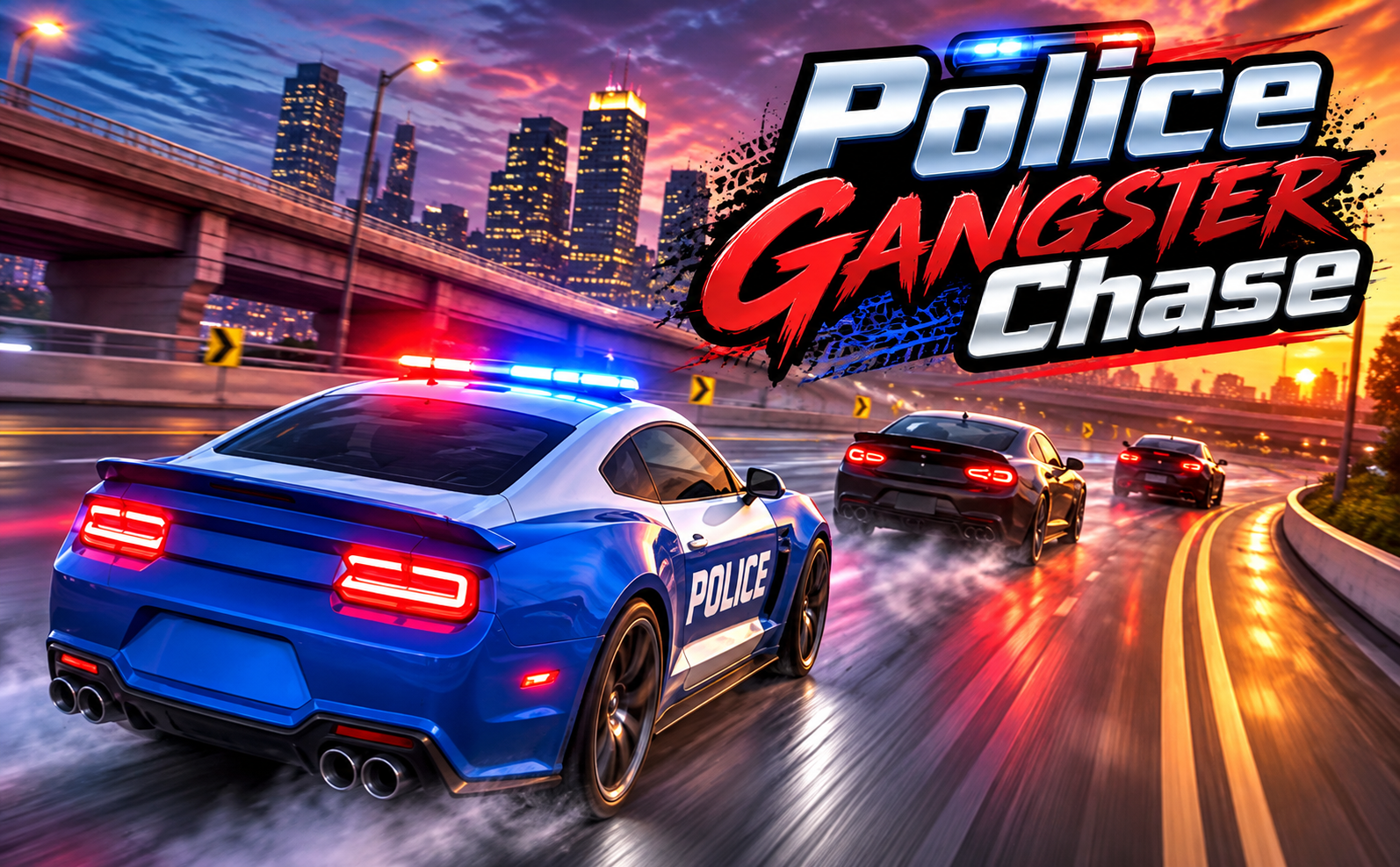
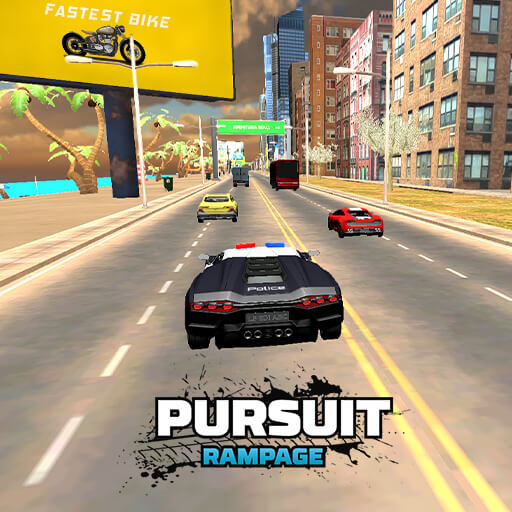
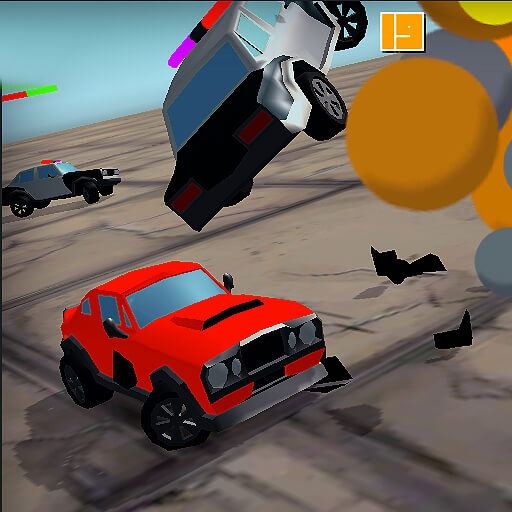
About Police Gangster Chase
Police Gangster Chase is a timed pursuit through a busy city. You control a patrol car chasing a gangster vehicle, with traffic and intersections interrupting the direct route. Each unnecessary collision consumes part of the opportunity to catch the target before the clock reaches zero.
Successful interceptions advance the missions and earn coins for the garage. Police badges along the streets offer extra reasons to alter a route, but they compete with the main pursuit for your attention. A useful detour is one that still leaves the suspect within reach.
How to Play Police Gangster Chase
Begin the mission, identify the target, and close the gap before time runs out. Steer around civilian traffic, use the handbrake when it helps negotiate a turn, and complete the interception before reviewing the mission reward.
- Start the timed mission and locate the fleeing target.
- Navigate civilian traffic and corners without losing the pursuit line.
- Intercept before the countdown ends, then use mission coins to review better cruisers.
Controls & Timing
Time lost in traffic
A collision can cost more than the instant of impact because it also interrupts the pursuit line. Leave enough clearance to preserve momentum through a busy section.
Badges versus the target
A badge route is optional compared with the main interception. Assess the time and distance needed to rejoin the pursuit before changing direction for a collectible.
Controls
| Input | Action | When to use |
|---|---|---|
| W / Up arrow | Accelerate. | When there is room to build forward speed. |
| S / Down arrow | Brake or reverse. | When the route requires a slower or corrected approach. |
| A / D or Left / Right arrows | Steer. | While following the route and avoiding obstacles. |
| Space | Apply the handbrake. | When the route requires a slower or corrected approach. |
High Score Tips
- Watch the target beyond the next intersection. A turn taken only to dodge traffic can leave you heading away from the chase.
- Use the handbrake with room to recover. A sharp rotation is useful only if the car can resume following afterward.
- Treat badge collection as a route decision. Take a pickup when it fits the pursuit rather than chasing it by reflex.
- Review the garage between missions. A more suitable cruiser can help, but it still needs a clear route through civilian traffic.
Key Features
- A pursuit deadline. Timed police interception missions.
- Traffic disruption. Civilian traffic that disrupts pursuit momentum.
- Optional pickups. Optional police badge collection.
- Cruiser progression. Mission earnings used for additional pursuit cruisers.
Frequently Asked Questions
What is the main mission goal?
Catch the fleeing target before the countdown reaches zero. Keep that goal ahead of optional collectibles and detours that could leave you too far behind.
How do I use the handbrake?
Press Space. Learn how it changes the car’s direction in a manageable turn before relying on it during a close interception.
Do I need every badge to finish?
Badges are additional pickups; intercepting the target remains the priority. Check the current objective and collect them when the route does not jeopardise the chase.
What do completed missions unlock?
They earn coins that can be spent on faster pursuit cruisers and other garage options. Compare the current garage choices before spending your rewards.