
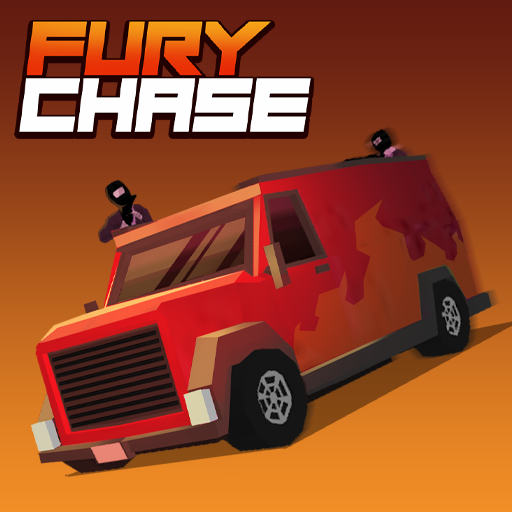




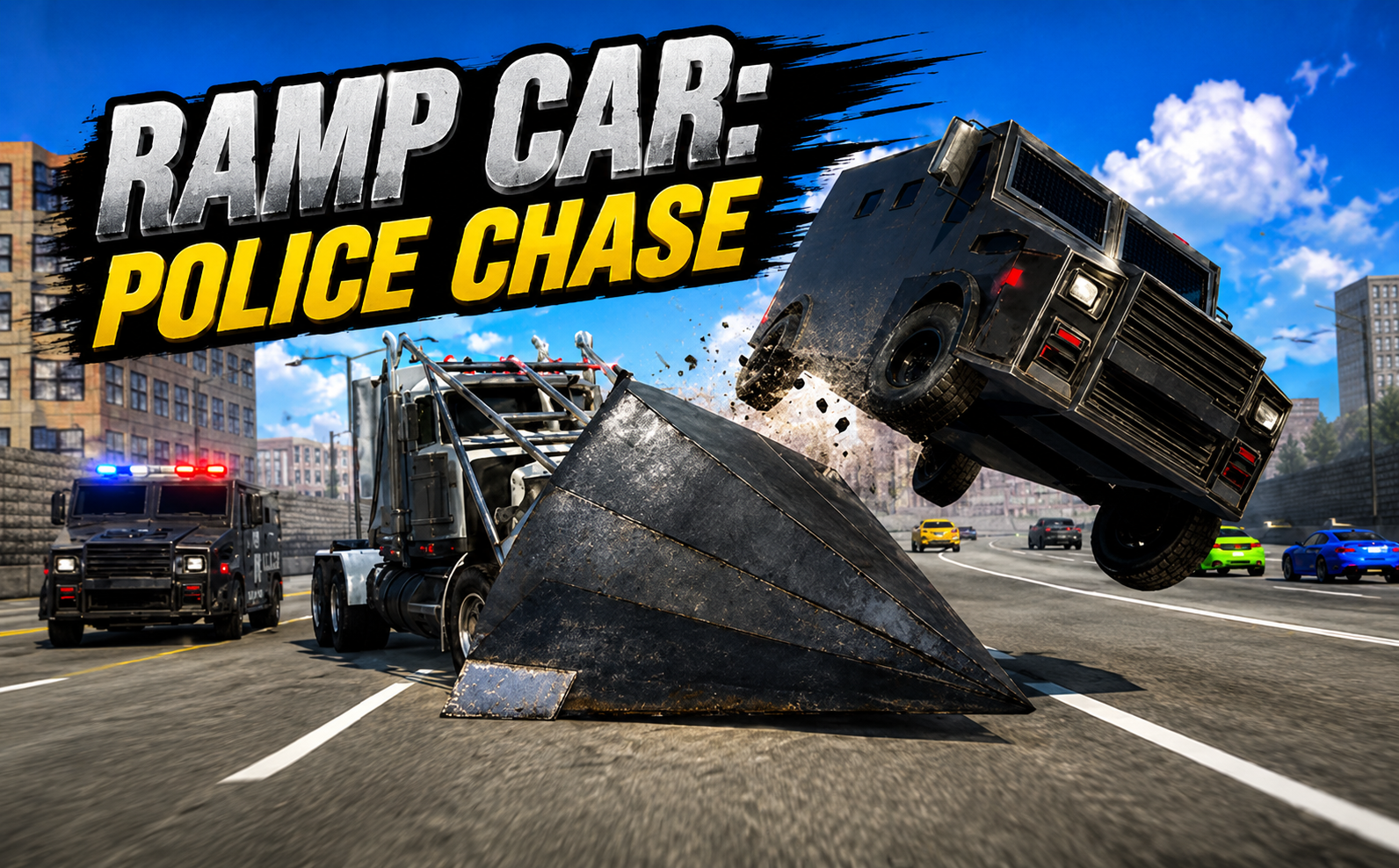
About Fury Chase
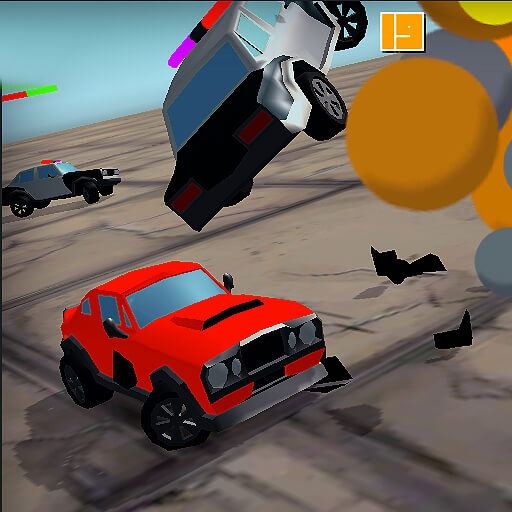
Fury Chase gives the getaway driver a job to complete during the pursuit. You travel to marked pickup points, collect crew members after a heist, and drive toward a delivery destination. The police are not the only obstacle: ordinary impacts also reduce the vehicle’s health and shorten the time you can keep working.
Vehicle choice changes the balance between speed and durability, while completed jobs provide money for further purchases. That makes a successful run a sequence of deliveries and recoveries rather than simply one fast road. The useful question is whether the current route leaves the car healthy enough to continue afterward.
How to Play Fury Chase
Select a vehicle, drive to the marked pickup, and let the crew board. Follow the next marker toward safety, avoid damaging impacts, and collect helpful power-ups while watching the HP bar. Use the arrow keys to drive and Space to speed up.
- Choose a vehicle and reach the marked pickup location.
- Let the crew board, then follow the next marker while protecting the HP bar.
- Reach safety with the crew and use the outcome to prepare the next attempt.
Controls & Timing
Pickup to delivery
Once passengers board, your navigation target changes. Identify the new marker before committing to a long escape route that carries you away from the actual job.
Health across the chase
Small collisions accumulate. A shortcut that saves a few seconds but repeatedly costs HP can reduce the number of deliveries the same vehicle survives.
Controls
| Input | Action | When to use |
|---|---|---|
| Arrow keys | Control the car. | While following the route and avoiding obstacles. |
| Space | Speed up. | On a clear approach with room to continue. |
High Score Tips
- Check the marker after boarding. Do not keep following a route chosen for the previous objective.
- Use speed-up on a clear exit. Extra speed is easier to use once the car is aligned with the next road.
- Collect health help before it becomes urgent. Reachable recovery pickups are more useful than ones you cannot safely approach with almost no HP.
- Choose durability as well as speed. A vehicle that survives your driving style can complete more of the pickup loop.
Key Features
- Crew rescue. Crew pickup and delivery objectives.
- Vehicle condition. HP loss from obstacles and police damage.
- Garage choices. Vehicle choices with different characteristics.
- Survival support. Cash and power-ups support longer attempts.
Frequently Asked Questions
How do passengers enter the car?
Crew members board automatically at the marked pickup. Afterward, look for the new delivery destination rather than waiting for a separate boarding key.
What ends the drive?
The vehicle being destroyed when HP is exhausted ends the run. Watch the health display instead of judging damage only from the car’s appearance.
What earns money?
Pickups and deliveries earn rewards. Use those rewards to explore more capable vehicle options between attempts.
Does Space make every turn safer?
No. It increases your speed. Use it when the road is clear enough to benefit from the added pace, not while struggling to align a turn.