
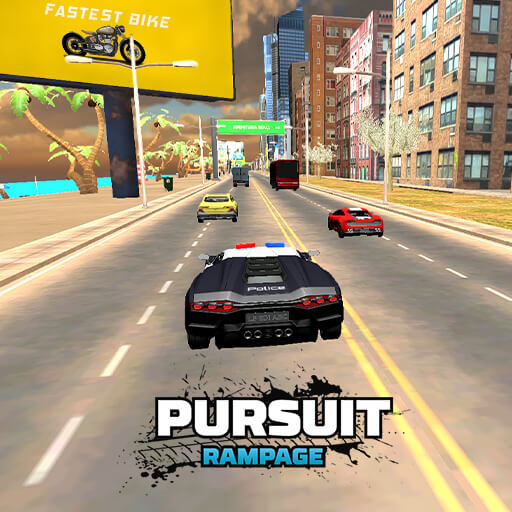
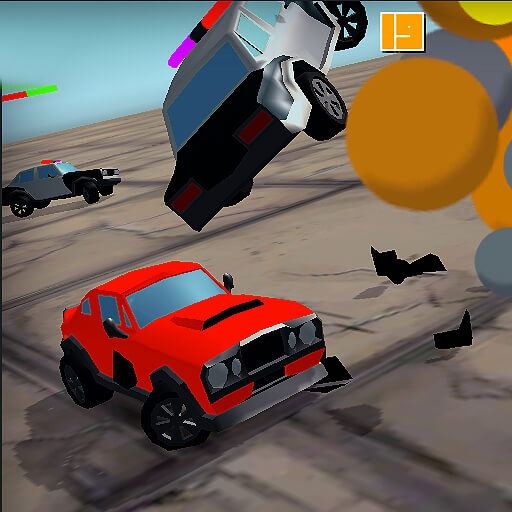
About Pursuit Rampage
Pursuit Rampage puts traffic reading at the centre of police driving. The road contains ordinary vehicles as well as the task you are trying to complete, so the nearest gap is not always the right one. A pass should leave enough room for the next mission decision rather than simply add a close-call bonus.
Career, Pursuit, Arrest, Endless, and Speed Bomb modes place different demands on the same driving controls. Camera selection and the horn give you additional tools, but understanding the current objective comes first. A strategy suited to an endless road session may not fit a specific arrest task.
How to Play Pursuit Rampage
Select a mode, read its requirements, and drive with WASD. Use C to choose a helpful view and H for the horn while navigating traffic and pursuing the objective shown by the game.
- Choose a mode and read what the current mission requires.
- Select a useful camera view and drive through traffic with WASD.
- Pursue the active objective, treating close-pass bonuses as optional when they threaten completion.
Controls & Timing
Camera and visibility
A view is useful when it reveals the road you need to judge. Change it while the situation is manageable rather than experimenting with unfamiliar perspectives during a narrow pass.
Close calls and mission progress
Near passes can earn bonuses, but a bonus is secondary to completing the active objective. A manoeuvre that gains points and blocks the next required turn can still be a poor decision.
Controls
| Input | Action | When to use |
|---|---|---|
| WASD | Drive and steer. | While following the route and avoiding obstacles. |
| H | Sound the horn. | When using the vehicle’s sound signal. |
| C | Change camera view. | When checking the surrounding route. |
High Score Tips
- Identify the mode’s win condition. Do not assume every session rewards distance alone.
- Choose a view before heavy traffic. Stable visibility makes closing gaps easier to judge.
- Keep a safe continuation after a close pass. The following road determines whether the risk was worthwhile.
- Do not rely on the horn to clear a lane. Its presence does not guarantee that another vehicle will move in time.
Key Features
- Highway patrol. Police driving through highway traffic.
- Mode selection. Five named challenge modes.
- Optional bonuses. Earn bonuses for close calls when the route is clear.
- View and horn. Camera selection and horn controls.
Frequently Asked Questions
Which modes can I choose?
Choose from Career, Pursuit, Arrest, Endless, and Speed Bomb. Read their actual in-game objectives rather than inferring rules from the names alone.
How do I change the view?
Press C. Choose a perspective that makes the traffic ahead easier to read before attempting close overtakes.
What does H do?
It sounds the horn. Keep braking and steering room even while using it; watch the traffic ahead.
Are close passes compulsory?
They can earn bonus points. Decide whether the road after the pass supports the mission before risking the attempt for additional points.