

About Ramp Car: Police Chase
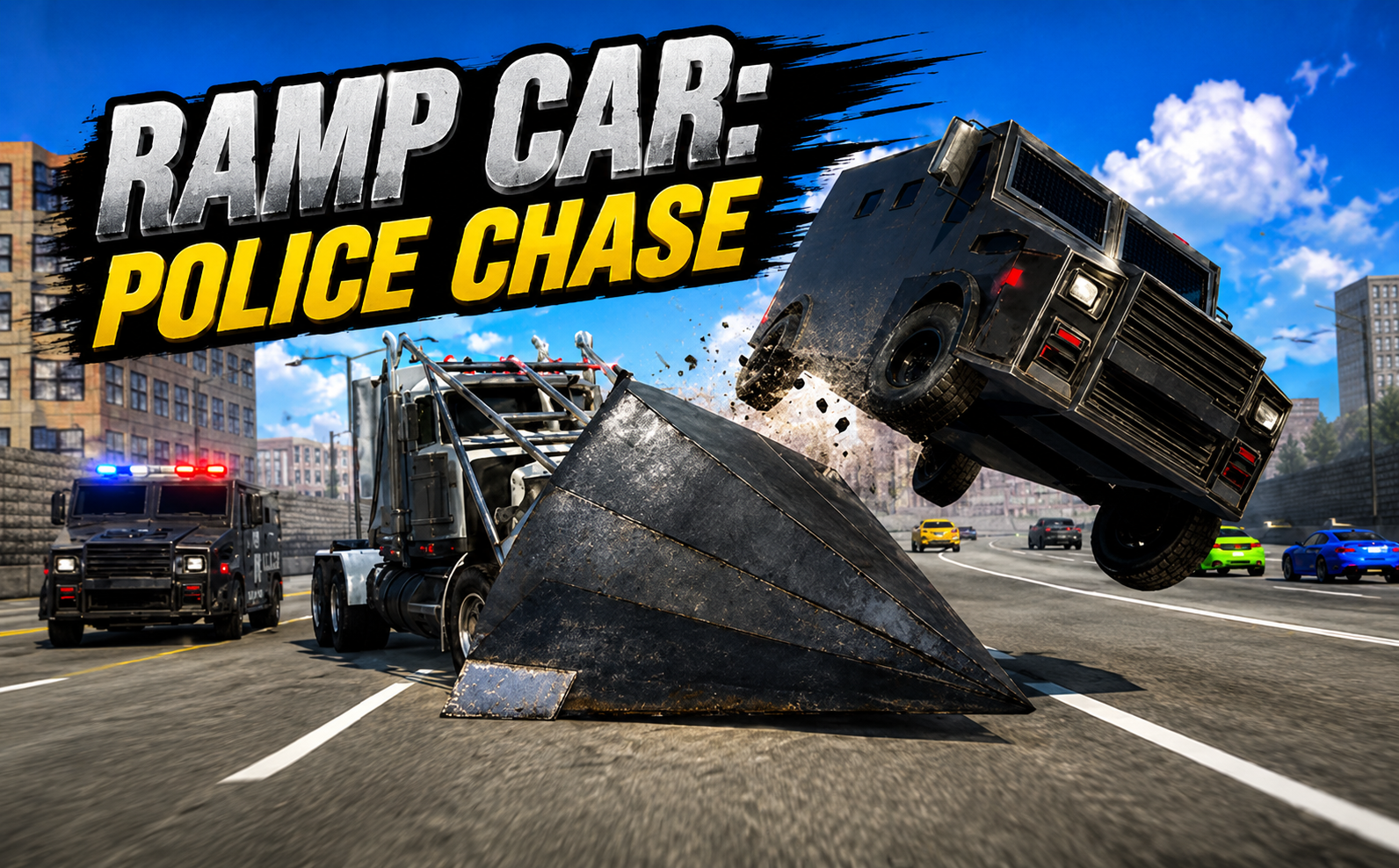
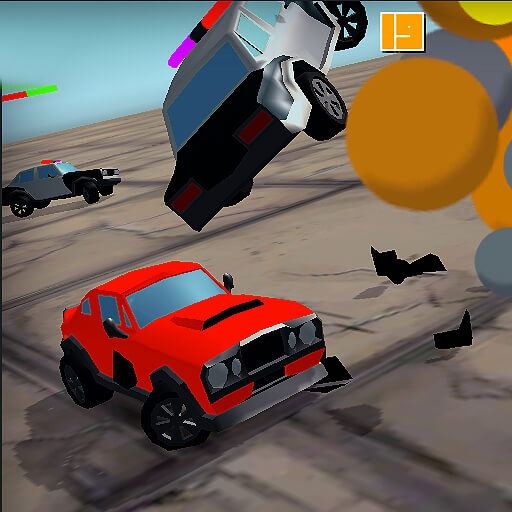
Ramp Car: Police Chase makes contact part of the getaway. The car’s steel wedge can lift lighter traffic out of the way, briefly opening a route through a crowded highway. Police barricades and heavier vans complicate that idea: not every obstacle is a sensible target for a direct hit.
An on-screen timer tracks survival while the road keeps presenting new blockages. Steering, speed management, and the rear view help you decide when to change lanes and when an impact might create space. The car can cause destruction, but it is still vulnerable to a catastrophic crash.
How to Play Ramp Car: Police Chase
Accelerate along the highway and read the available lanes. Use the wedge when a lighter vehicle blocks a workable path, steer around more dangerous obstructions, and keep the escape going without a run-ending crash.
- Accelerate onto the highway and identify an open lane beyond the nearest traffic.
- Choose between steering around a blockage and lifting a lighter vehicle with the wedge.
- Keep a recoverable route after each impact and extend the survival timer without a catastrophic crash.
Controls & Timing
Choosing an impact
Launching a lighter car can clear a path, but the road beyond the collision still matters. Avoid a hit that leaves no space to steer around the next blockage.
Checking pursuit
The rear view shows pressure from behind while the highway ahead continues changing. Use a brief check when you have enough forward clearance to spare the attention.
Controls
| Input | Action | When to use |
|---|---|---|
| W / Up arrow | Accelerate or drive forward. | When there is room to build forward speed. |
| S / Down arrow | Brake or reverse. | When the route requires a slower or corrected approach. |
| A / D or Left / Right arrows | Steer between lanes. | While following the route and avoiding obstacles. |
| C | Look behind using the rear view. | When checking the surrounding route. |
High Score Tips
- Read the weight of the blockage. A heavy van is not the same opportunity as a lighter car in an otherwise open lane.
- Keep a path beyond the hit. Plan where your car should go after the wedge makes contact.
- Brake before several lanes close. More time can reveal an opening that a full-speed approach would miss.
- Use the rear view selectively. Check pursuit without losing track of traffic and barricades ahead.
Key Features
- A useful wedge. A wedge-shaped vehicle built to launch lighter traffic.
- Highway pressure. Dense highway lanes with police vans and barricades.
- Destructive contact. Physics-driven impacts during an ongoing escape.
- Pursuit awareness. A survival timer and rear-view control.
Frequently Asked Questions
Can I ram everything safely?
No. Lighter vehicles and heavier obstructions react differently, and a bad impact can destroy the car. Use contact selectively rather than treating the wedge as protection from every impact.
How do I see the police behind me?
Press C for the rear view. Check it when the forward route is manageable, then return attention to the lane you are approaching.
What does the timer measure?
It tracks how long you survive. The immediate aim is to keep the escape going rather than complete a fixed lap race.
Can I slow the car down?
Yes. Use S or the Down arrow to brake or reverse. Reducing speed can provide more time to choose a route through a closing blockade.