
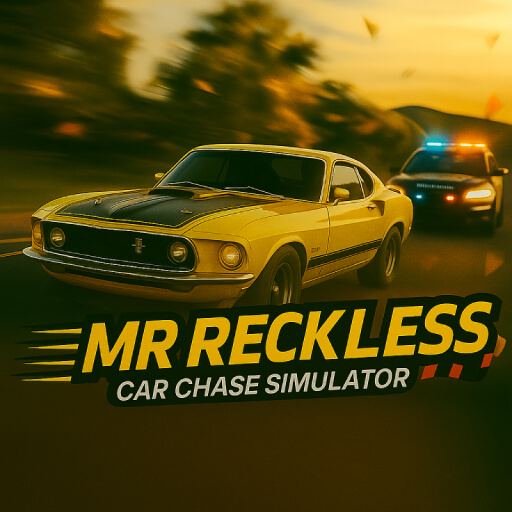
About Mr Reckless: Car Chase Simulator
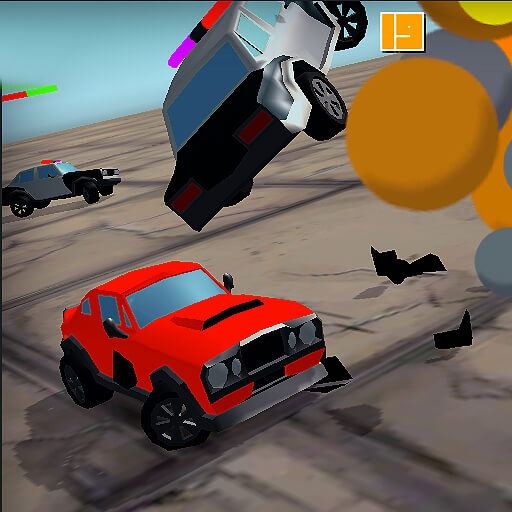
Mr Reckless: Car Chase Simulator builds its escape around a city full of traffic, police, and disruptive hazards. Keep moving, but remember that movement without a destination is not enough. You need a route that remains usable after the next obstacle or collision threat.
Temporary effects add ways to respond to pressure. Slow-Mo, Freeze, and Nitro serve different purposes, so they should not be treated as interchangeable rescue buttons. An effect can create time or space for a decision, but you still need to make the decision before that opportunity disappears.
How to Play Mr Reckless: Car Chase Simulator
Drive with WASD or the arrows, avoid police and obstacles, and collect useful power-ups. Follow the on-screen activation prompts to apply an effect when it solves the immediate route problem, then continue toward open space.
- Start driving through the city and identify space away from police.
- Collect useful effects and use the on-screen prompts to activate them when needed.
- Keep a route open after the effect ends and continue the survival attempt.
Controls & Timing
Time and space effects
Slow-Mo offers more time to read an obstacle, while Freeze affects nearby objects during its effect. Use the breathing room to select an exit instead of merely delaying the same collision.
Nitro and the route ahead
A burst of speed helps when you can drive into something useful. Activating it toward crowded traffic can make the remaining decision window shorter rather than safer.
Controls
| Input | Action | When to use |
|---|---|---|
| WASD / Arrow keys | Move and steer the car. | While following the route and avoiding obstacles. |
| Power-up prompts | Follow the activation prompt displayed for the available power-up. | When the available action suits the current situation. |
High Score Tips
- Name the problem before using an effect. Decide whether you need time, clearance, or speed.
- Choose an exit while time is slowed. An effect is most useful when it leads to a different position afterward.
- Do not boost into an uncertain junction. The extra pace reduces the time available to react to hidden traffic.
- Keep pickups on a viable line. Collecting another power-up should not undo the escape created by the previous one.
Key Features
- Urban escape. Urban police survival driving.
- Route hazards. Traffic and environmental hazards.
- Temporary advantages. Slow-Mo, Freeze, and Nitro effects.
- Direct steering. Simple directional driving controls.
Frequently Asked Questions
What do the power-ups do?
Slow-Mo slows time, Freeze affects nearby objects, and a speed burst helps you accelerate away. Their uses differ, so select the effect that addresses the current obstacle.
Which key activates a power-up?
Follow the activation prompt shown for the available power-up. Choose an effect that helps with the obstacle immediately ahead.
Does slowing time end the pursuit?
Use the extra decision time to find a better route. Keep steering away from police and obstacles while the effect lasts.
Is constant maximum speed required?
The goal is to keep the escape moving. That does not make every speed increase useful when traffic or obstacles already block the route.