
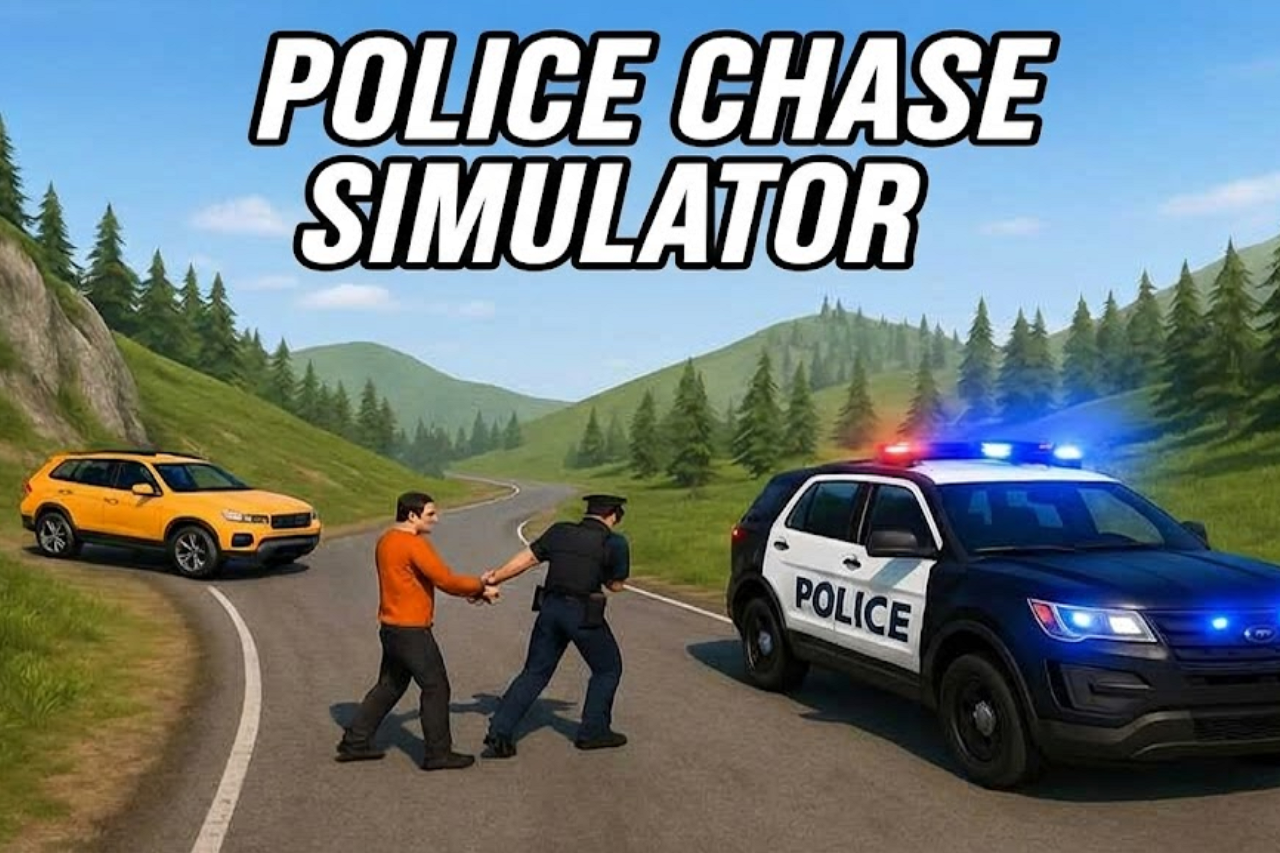
About Police Pursuit 2
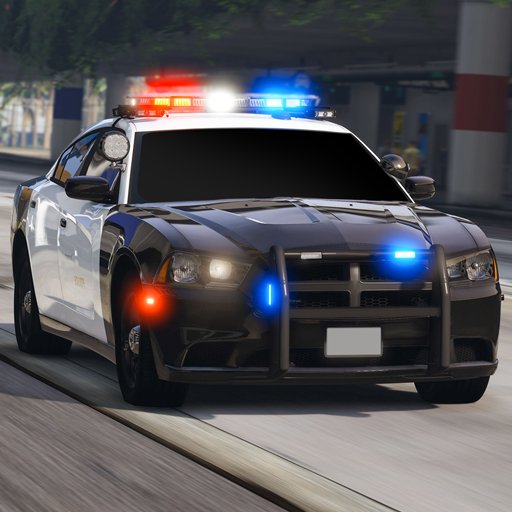
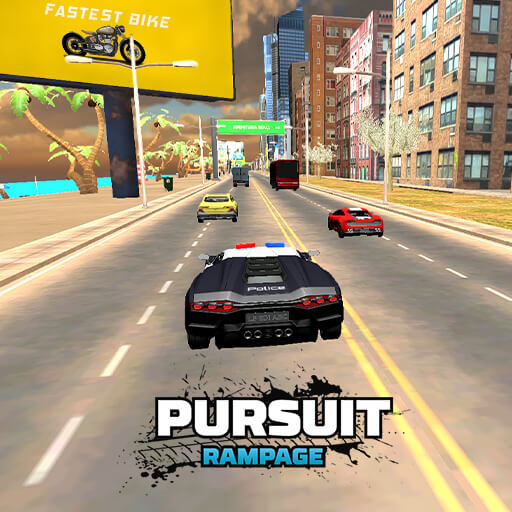
Police Pursuit 2 changes the familiar escape perspective: you are the police officer pursuing a suspect. Missions begin from a marker in the city, and different jobs ask you to chase, intercept, or reach a destination under time pressure. The car needs to remain positioned for the objective, not simply travel fast.
Main pursuits, more dangerous wanted targets, and side tasks offer varied police work. Nitro and drift controls provide tools for keeping pace, but each has a context. A burst of speed on the wrong line can carry you past the target, while a tidy turn can leave you ready for a useful interception.
How to Play Police Pursuit 2
Drive from the station to the yellow mission marker, read the selected objective, and follow the target or destination. Use controlled contact when the mission asks you to stop a fleeing car, then complete the objective within its time limit.
- Drive from the station to the yellow marker and read the mission.
- Follow the suspect or destination, using Nitro and drifting when they support the route.
- For an interception, make controlled contact; otherwise fulfil the shown task before its deadline.
Controls & Timing
Stopping a target
Runaway-car missions require repeated contact with the target. Approach at an angle that lets you continue following if the first hit does not stop the suspect.
Mission-specific driving
A delivery and a pursuit are different problems even when they use the same streets. Read the current objective so you do not spend the available time performing an unnecessary chase.
Controls
| Input | Action | When to use |
|---|---|---|
| WASD / Arrow keys | Accelerate, brake or reverse, and steer. | When the route requires a slower or corrected approach. |
| Z / Space / Left mouse button | Activate Nitro. | On a clear approach with room to continue. |
| X / Shift / Right mouse button | Drift. | While following the route and avoiding obstacles. |
High Score Tips
- Use Nitro to close a usable gap. Do not boost past the target without leaving room to steer.
- Set up contact from a stable line. A controlled approach makes it easier to recover afterward.
- Watch the timer before taking a detour. Side opportunities are less valuable if they cause the current mission to fail.
- Practise the drift input separately. Knowing its response makes it easier to use while keeping the suspect in view.
Key Features
- Patrol perspective. Police-side city pursuits.
- Structured jobs. Mission markers and time-limited objectives.
- Driving techniques. Nitro and drift controls.
- Task variety. Take on main pursuits and side tasks.
Frequently Asked Questions
Where do I start a mission?
Drive from the police station to the yellow marker. Read the activated mission before choosing a route.
How do I stop a runaway car?
Hit the target repeatedly to stop it. Aim for controlled contacts that leave your own vehicle able to continue the pursuit.
Which controls activate Nitro?
Use Z, Space, or the left mouse button. Use the input that suits your current setup and a road section with enough clearance.
Does every task involve ramming?
No. Side tasks and deliveries are also available. Apply the objective shown for the current mission rather than assuming every target should be hit.