
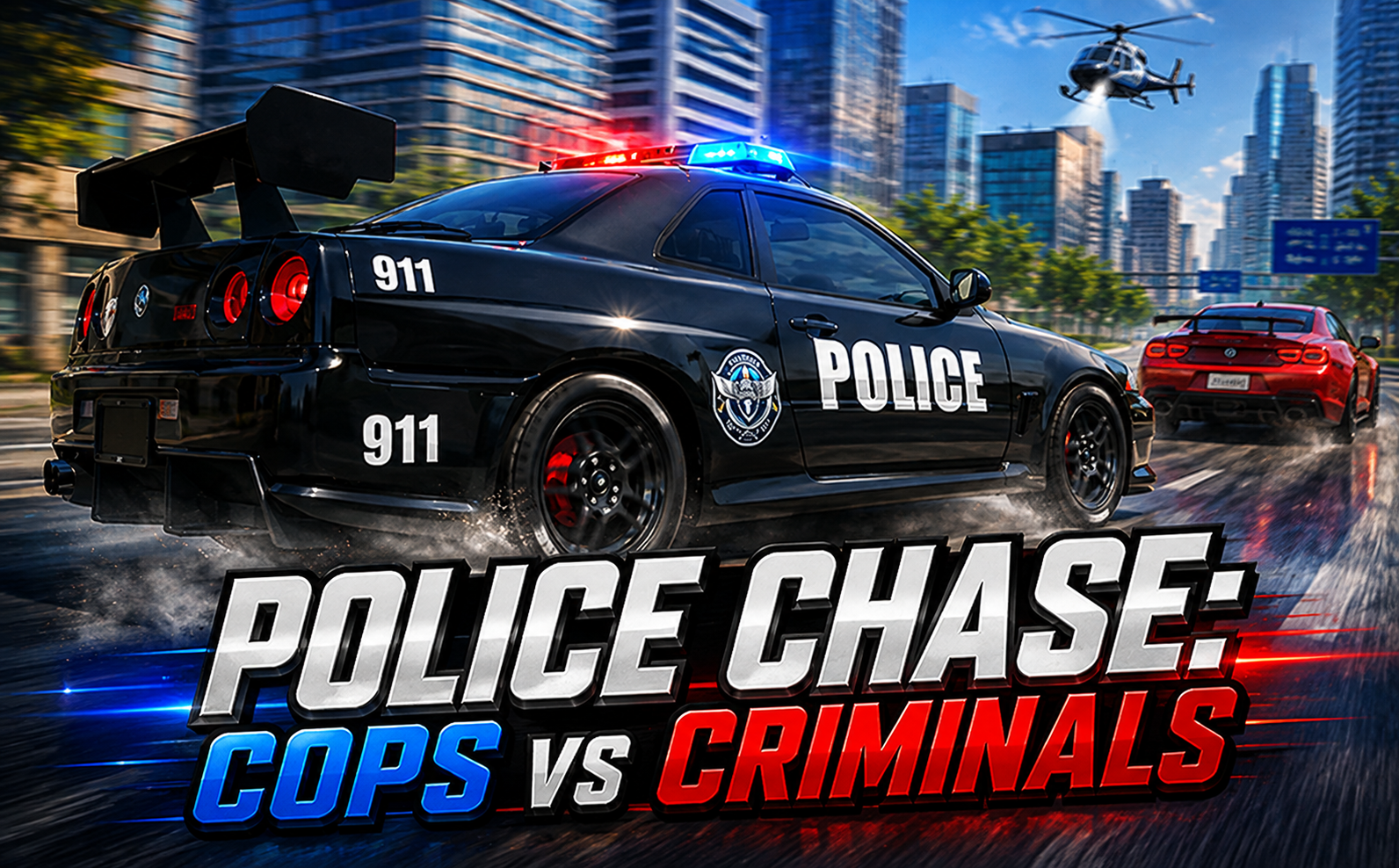
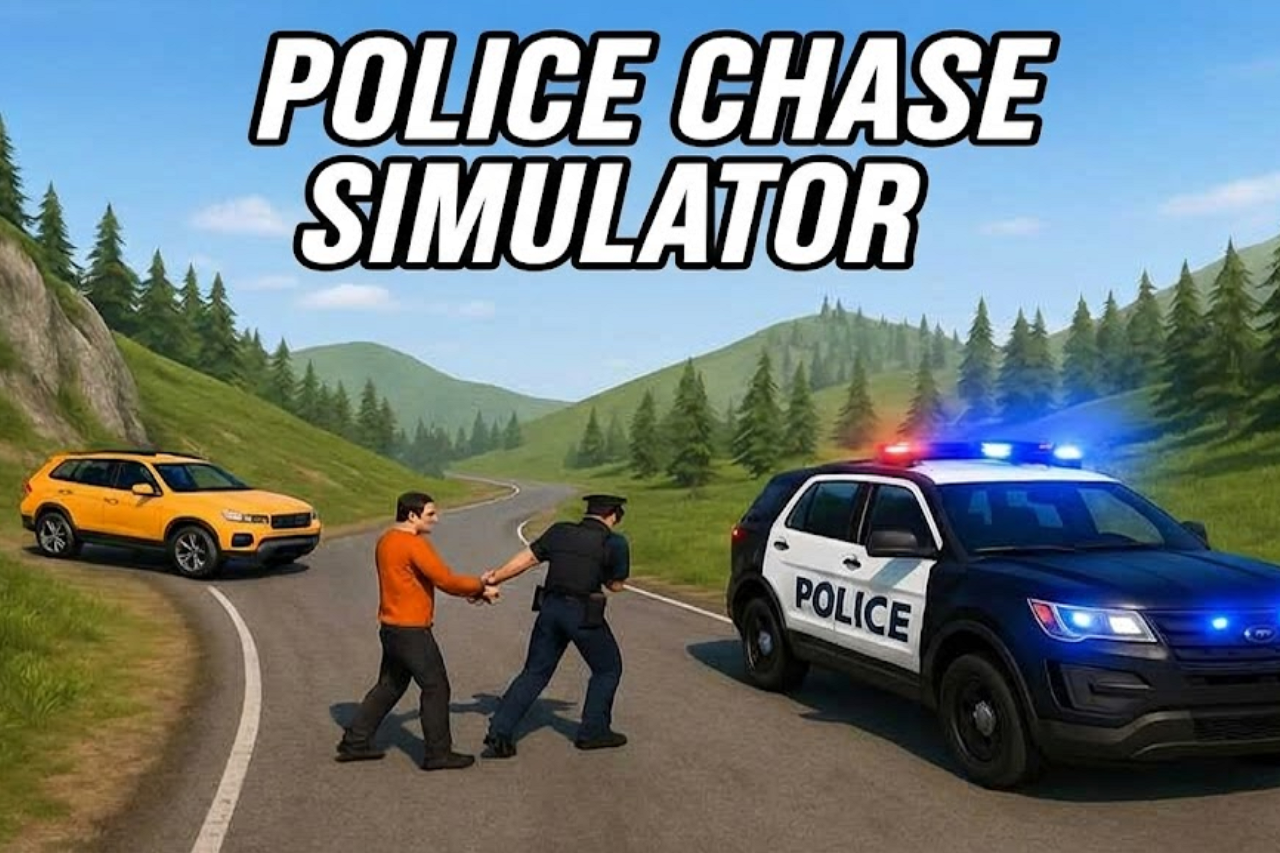

About Police Chase: Cops vs Criminals
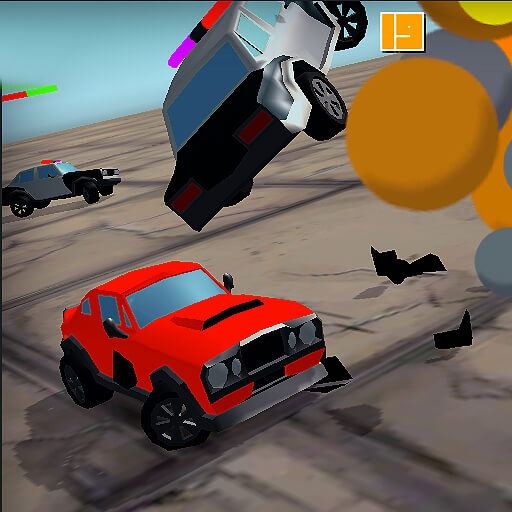
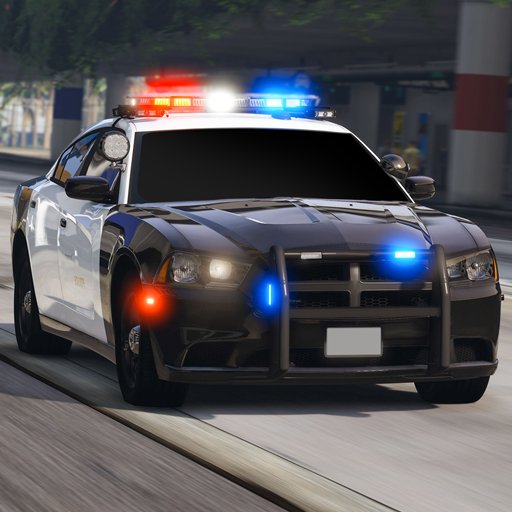
Police Chase: Cops vs Criminals puts you on patrol in SpaceCity. Radar guides you toward active suspects, then the task becomes staying close enough to make useful contact. Repeated rams can immobilise a fleeing vehicle, but a fast approach is only effective if your own car remains able to continue.
Damage is part of that decision. Strong impacts can deform the patrol car and reduce its control, while tougher targets demand more persistence. Successful missions earn coins and points toward faster vehicles and harder pursuits, linking careful driving with progress through the police garage.
How to Play Police Chase: Cops vs Criminals
Use the radar to locate a suspect, follow the route through the city, and make controlled contact until the target is stopped. Watch your own vehicle’s condition and use the reset or repair control when needed.
- Locate an active suspect with the radar and begin following through SpaceCity.
- Make controlled contact while preserving your own vehicle’s ability to continue.
- Stop the target through repeated pressure, repairing or resetting when needed, and collect the mission reward.
Controls & Timing
Contact and continued pursuit
A ram should reduce the target’s options without leaving your own car facing the wrong direction. Approach from a line that gives you room to recover if the suspect keeps moving.
Damage and handling
Vehicle deformation can weaken control. If steering becomes harder after an impact, address the condition of the car rather than compensating with ever more aggressive inputs.
Controls
| Input | Action | When to use |
|---|---|---|
| WASD / Arrow keys | Drive through the city. | While following the route and avoiding obstacles. |
| R | Reset an overturned police vehicle. | When recovering the vehicle or its condition. |
| F2 | Repair vehicle damage. | When recovering the vehicle or its condition. |
| X | Toggle the siren. | When using the vehicle’s sound signal. |
High Score Tips
- Use radar to maintain direction. Keep the target’s location in mind when buildings or intersections interrupt the view.
- Choose a recoverable impact angle. The next few seconds after contact matter as much as the initial hit.
- Expect tougher vehicles to take more effort. Do not assume an armoured target will stop as quickly as a compact car.
- Repair when damage disrupts control. Continuing with impaired handling can make the next interception needlessly difficult.
Key Features
- City patrol. Police pursuits across SpaceCity.
- Target guidance. Radar-guided target tracking.
- Progressive interception. Repeated contact used to immobilise suspects.
- Damage management. Vehicle deformation with separate reset and repair actions.
Frequently Asked Questions
How do I find a suspect?
Follow the radar while patrolling SpaceCity. Use it to retain a sense of the target’s direction when traffic or buildings interrupt your direct view.
Does one collision guarantee an arrest?
No. Targets differ in durability and can require repeated rams. Keep a route for continued pursuit instead of committing everything to a single impact.
How do I repair the police car?
Press F2. R resets an overturned vehicle, so use repair when the problem is damage affecting control.
What does the siren button do?
X toggles the siren. Keep watching traffic and closing the gap to the suspect while the siren is on.