
About Highway Heat
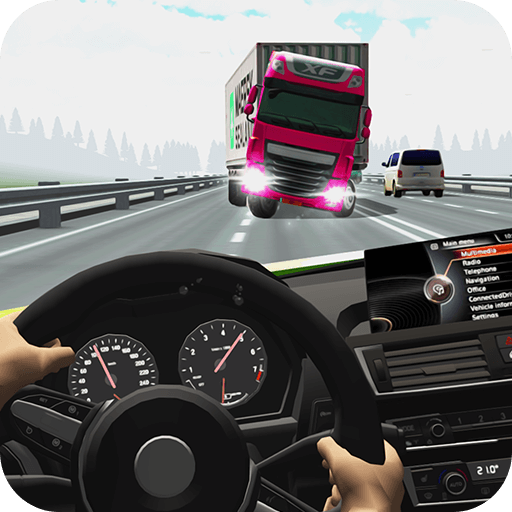
Highway Heat offers several reasons to drive through traffic. One-way and two-way roads change how gaps behave, a timed mode adds pressure, and Free Ride provides room to explore without the same reward objective. Understanding the selected mode matters before deciding how aggressively to overtake.
The garage includes appearance and performance choices, while special driving aids offer additional decisions on the road. They should support an already workable pass. Using a boost or time effect because traffic is close can make the situation harder to understand if you have not chosen the exit first.
How to Play Highway Heat
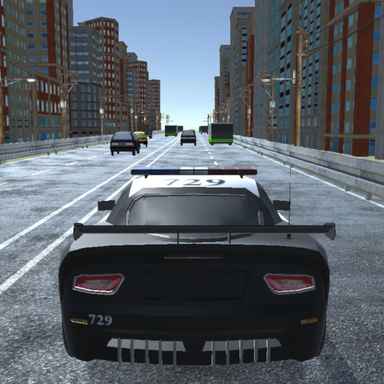
Select a mode and environment, use the arrows to accelerate, brake, and steer, then pass traffic while preserving a clear route. Use the game’s control menu to find the slow-motion and camera controls.
- Select a mode and environment, then learn the special-action controls.
- Use the arrow keys to drive through traffic and F for Nitro on an open section.
- Follow the current objective and review unlocks after the run instead of applying one goal to every mode.
Controls & Timing
Mode and rewards
Free Ride does not award the money or scores earned in the scoring modes. Use it for understanding the road rather than expecting every drive to build the garage.
Aids and available space
Slow-motion can give you more time to judge a situation, while nitro changes how quickly you approach it. Neither removes the need to identify where the car should end up after a pass.
Controls
| Input | Action | When to use |
|---|---|---|
| Left / Right Arrow | Steer. | While following the route and avoiding obstacles. |
| Up Arrow | Accelerate. | When there is room to build forward speed. |
| Down Arrow | Brake. | When the route requires a slower or corrected approach. |
| F | Use Nitro. | On a clear approach with room to continue. |
High Score Tips
- Learn the special-action controls before a difficult run. Use the control menu to find the slow-motion and camera controls before entering traffic.
- Boost after selecting a lane. Extra acceleration is more useful once the route is clear.
- Brake for the next vehicle, not just the current one. An overtake can end directly behind another slower car.
- Use a familiar mode to assess an upgrade. Changing both the mode and vehicle makes performance comparisons less useful.
Key Features
- Mode choices. Multiple traffic-driving modes.
- Practice opportunity. Free Ride for a less pressured session.
- Special actions. Use Nitro and time slowdown to manage difficult passes.
- Unlockable options. Vehicle and environment unlocks.
Frequently Asked Questions
Does Free Ride award money?
Free Ride provides neither scores nor money. Choose a reward-bearing mode when garage progression is the purpose of the run.
Which key slows time?
Open the game’s control settings and look for the slow-motion action. Check its assigned key before starting a high-speed run.
What does F do?
Press F to use Nitro. Use it when the intended lane and the road after the pass are both clear.
Can I unlock other environments?
Yes. Different settings are available, with some requiring in-game currency. Read the current menu for availability and costs.