
About Overtake X
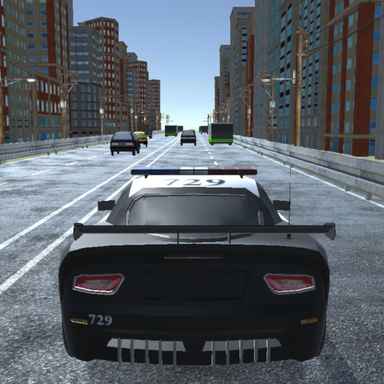
Overtake X builds its driving around a selection of road modes. Endless, Two-Way, Time Trial, Police Chase, and Free Ride offer different reasons to move through traffic, so the mode choice changes what you should pay attention to. A relaxed drive and a timed attempt do not reward exactly the same decisions.
Vehicle development centres on speed, handling, and braking. Those are useful categories for thinking about a difficult pass: whether you can reach the gap, whether you can place the car there, and whether you can slow down afterward. Treat the garage as a way to address a specific weakness rather than buying speed by default.
How to Play Overtake X
Select a mode, check its objective and control display, and drive through the traffic without losing the route ahead. Use the result to develop your vehicle, then test the change in a familiar mode before increasing the risk.
- Choose one of the available modes and check its objective and controls.
- Steer through traffic while balancing speed against the space needed to brake.
- Review the result and vehicle-development options before taking the changed car into another attempt.
Controls & Timing
Mode-dependent decisions
Two-way traffic changes the significance of an apparently open lane, while a time-based challenge adds another constraint. Read the selected mode before applying a strategy learned elsewhere.
Passing and braking margin
Close passes can earn rewards, but the safe space after the pass still matters. Do not trade an entire attempt for a bonus whose exit you have not checked.
Controls
| Input | Action | When to use |
|---|---|---|
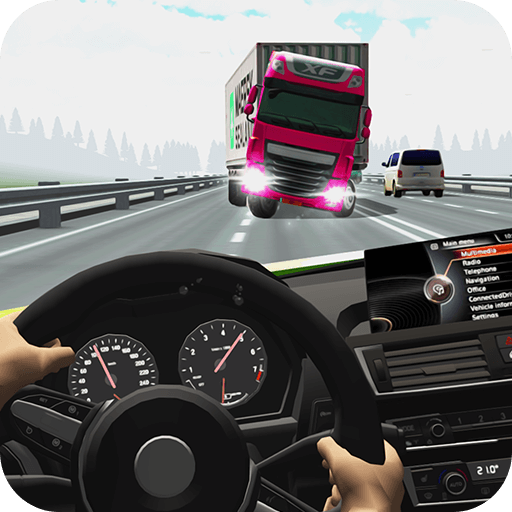
| In-game driving controls | Check the in-game prompts for steering, acceleration, and braking before starting. | When there is room to build forward speed. |
High Score Tips
- Learn the mode before the car. Knowing the objective helps you decide which performance change is actually useful.
- Check the road after an overtake. A narrow first gap can feed directly into slower traffic.
- Upgrade the problem you encounter. Handling or braking may help more than speed when placement is the repeated issue.
- Use Free Ride to compare responses. A lower-pressure drive can make a vehicle change easier to evaluate.
Key Features
- Mode selection. Five named driving modes.
- Passing challenge. Traffic overtaking as the central activity.
- Performance development. Speed, handling, and braking development.
- Garage and scenery. A selection of cars and road environments.
Frequently Asked Questions
Which modes can I choose?
The fuller guides list Endless, Two-Way, Time Trial, Police Chase, and Free Ride. Read the objective inside your selected mode before starting the attempt.
Is a close pass always worth it?
No. Risky overtakes can earn bonuses, but the route afterward still has to remain usable. A clean continuation is more valuable than a pass that guarantees a crash.
What should I upgrade first?
Choose according to the mistake you are trying to correct. Difficulty placing the car suggests a different priority from difficulty slowing down before traffic.
How can I track scoring bonuses?
Watch the score display after an overtake to see the bonus earned in your current mode. Leave enough room to continue the run before attempting another close pass.