
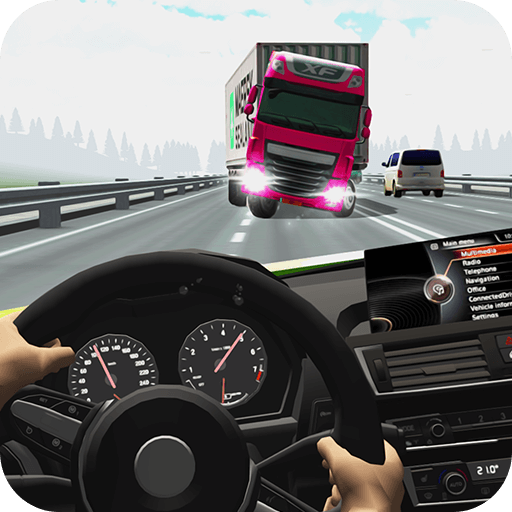
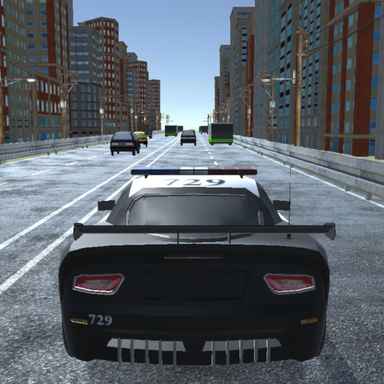
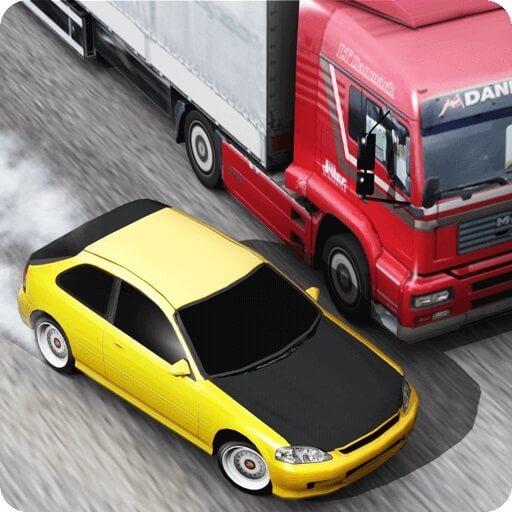
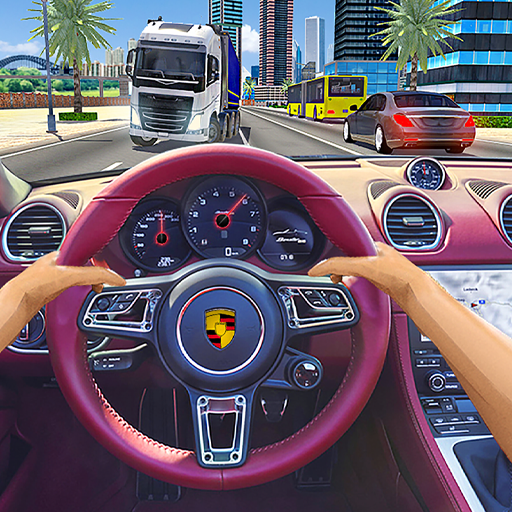
About Racing Limits
Racing Limits is presented as a road-driving game in which speed and close passing contribute to the result. The traffic creates the immediate puzzle: whether an opening will still be usable when your car reaches it. Driving well means judging that moving space rather than reacting only when the bumper ahead fills the view.
Career tasks, extended distance attempts, time-based play, and free exploration offer varied driving sessions. These modes offer different ways to practise the same core skills. Choose the objective first, then adjust the amount of risk you are willing to accept in a pass.
How to Play Racing Limits
Select an available mode, drive with WASD or the arrows, and overtake traffic while preserving room to brake or change lane. Follow the selected mission or time requirement instead of assuming every run ends in the same way.
- Select an available mode and identify whether it rewards a mission, distance, or time-based result.
- Use the driving controls to pass traffic while keeping room to brake.
- Complete the selected task or distance attempt and use a free session to practise difficult passes.
Controls & Timing
Passing with a continuation
The gap beside one vehicle can lead directly into another. Look beyond the car you are overtaking so a successful pass does not leave an unavoidable collision ahead.
Different session goals
A free drive offers practice, while a career task or timed run adds a specific requirement. Use the lower-pressure option to learn a vehicle before testing the same line under a deadline.
Controls
| Input | Action | When to use |
|---|---|---|
| WASD / Arrow keys | Drive and steer. | While following the route and avoiding obstacles. |
High Score Tips
- Check the goal before chasing bonuses. A mission can be lost while you focus on a point opportunity unrelated to it.
- Leave room to reduce speed. A gap is more forgiving when braking remains an option.
- Build a consistent passing margin. Reliable distance can be more useful than one exceptionally close overtake.
- Learn the mode before judging the car. A harder objective can feel like worse handling even when the vehicle has not changed.
Key Features
- Traffic reading. Traffic-based road driving.
- Reward opportunities. Speed and close-pass scoring elements.
- Session variety. Choose mission, distance, timed, or free-driving sessions.
- Keyboard driving. WASD or arrow-key control.
Frequently Asked Questions
Are all modes played the same way?
No. Objectives include tasks, distance, and time pressure. Read the selected mode’s instructions before deciding how aggressively to drive.
Should I always pass as closely as possible?
No. A bonus is worthwhile only if you can continue afterward. Leave extra margin when the road beyond the pass is difficult to see.
How should I choose a mode?
Choose a mode from the game menu and read its objective. Use free driving to learn the handling before taking on a timed or distance challenge.
What can Free Mode help with?
It offers a less pressured way to understand the road and control response before you attempt the same manoeuvres against a timer or mission requirement.