
About Traffic Racer
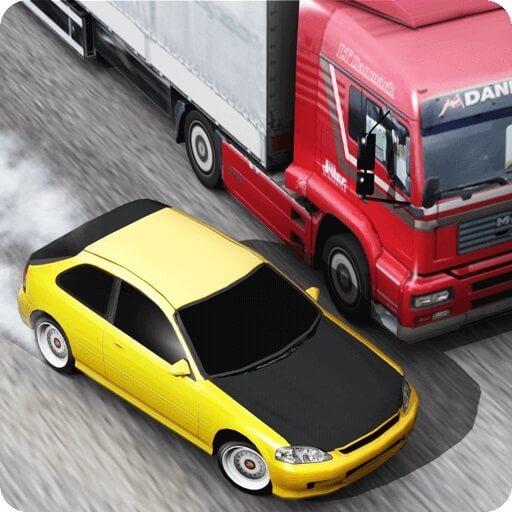
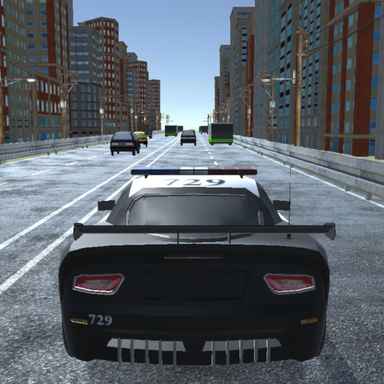
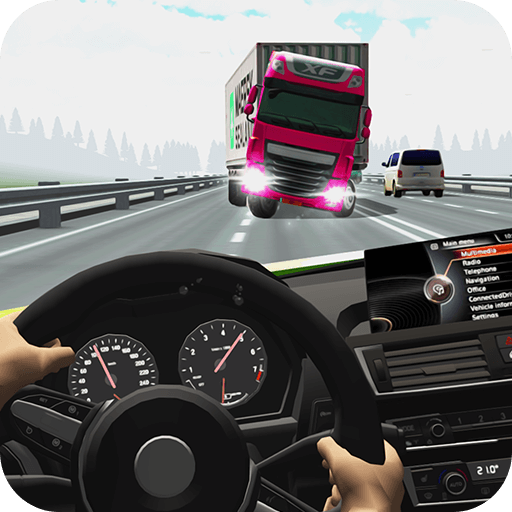
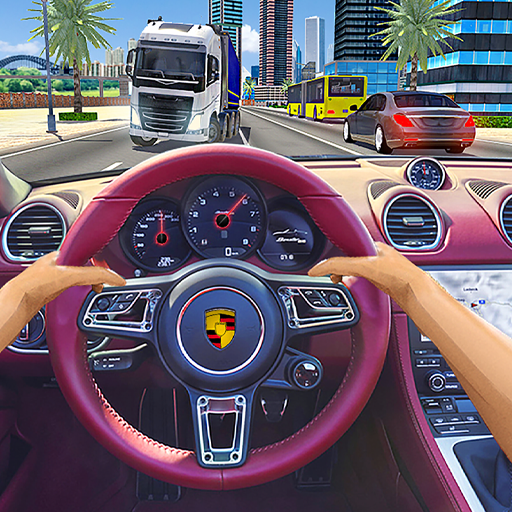
Traffic Racer centres on overtaking vehicles along a busy road. You steer a car through moving gaps, managing acceleration and braking while trying to turn a longer, cleaner drive into rewards. Close passes can earn extra money, but a narrow gap becomes a liability if there is no clear route beyond it.
Choose from Endless, Two-Way, Time Trial, Police Chase, and Free Ride. These change the context of the same traffic-reading task: extending a run, dealing with opposing traffic, or driving under additional pressure. Earnings support vehicle purchases and upgrades between attempts.
How to Play Traffic Racer
Select an available mode, check its objective, and use the left and right arrows to steer. Operate the accelerator and brake controls shown in the game, passing traffic only when the gap and its exit remain usable.
- Select a road mode and check the displayed accelerator and brake controls.
- Use the arrow steering to pass traffic while preserving a clear continuation.
- Finish the challenge or extend the run, then spend earnings through the garage options.
Controls & Timing
Passing distance
A close overtake can create a reward opportunity, but it also reduces the margin for a moving vehicle. Check the space beyond the pass before accepting that risk.
Choosing a mode
Different modes change the conditions around the road. Learn the currently selected rules instead of assuming a route that worked in Free Ride has the same consequences in a timed challenge.
Controls
| Input | Action | When to use |
|---|---|---|
| Left / Right arrows | Steer the car. | While following the route and avoiding obstacles. |
| Displayed gas control | Accelerate. | When there is room to build forward speed. |
| Displayed brake control | Reduce speed. | When the route requires a slower or corrected approach. |
High Score Tips
- Build a reliable passing margin first. A longer clean run provides a better baseline than repeated attempts at extremely close overtakes.
- Keep the brake available. Steering is not always enough when traffic closes across several lanes.
- Read opposing traffic earlier. Closing speeds can leave much less time to decide whether a gap is usable.
- Choose upgrades after identifying a weakness. Use the garage information to address the difficulty you are actually facing.
Key Features
- Road challenges. Traffic-focused car driving.
- Different objectives. Multiple named road challenge modes.
- Earning opportunities. Close-pass rewards and earned currency.
- Vehicle collection. Garage progression through cars and upgrades.
Frequently Asked Questions
What are the steering controls?
Use the left and right arrow keys to steer. Check the game’s control display for gas and brake inputs before accelerating into traffic.
Is this the motorcycle game Traffic Rider?
No. Traffic Racer puts you behind the wheel of a car. Traffic Rider is a separate motorcycle title with its own entry and controls.
Do I have to make close passes?
They can earn bonus rewards. Choose them only when the surrounding road gives you enough room to continue or reduce speed afterward.
What should I check before spending earnings?
Look at the current garage’s vehicle and upgrade information. Buy for the handling or performance you need rather than assuming every unlock has the same effect.