
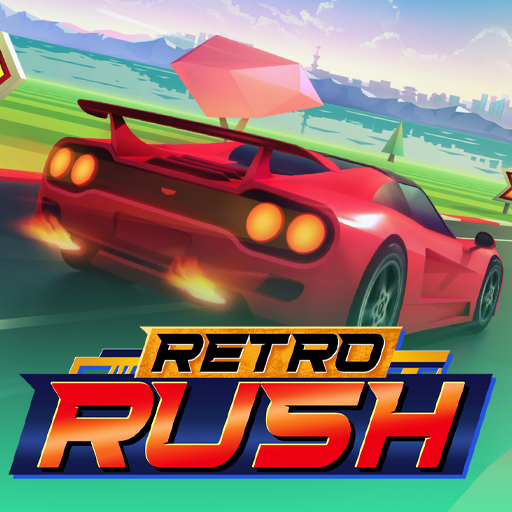
About Retro Rush
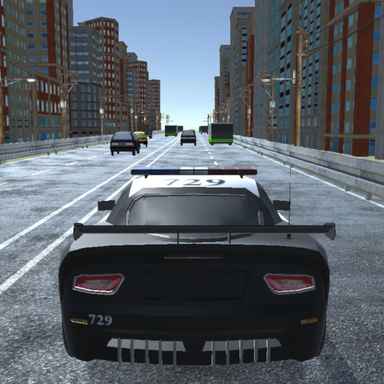
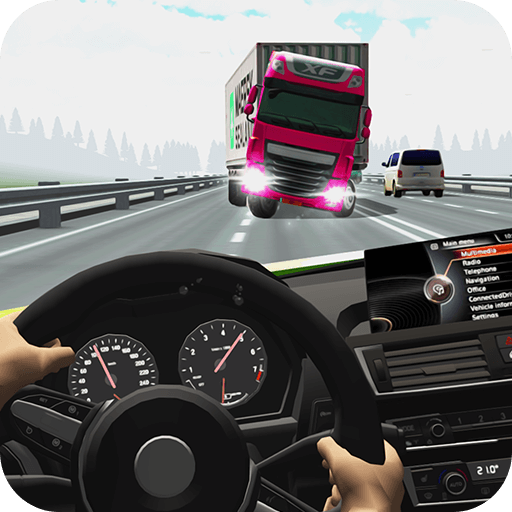
Retro Rush pairs a retro racing view with decisions that go beyond reaching maximum speed. You race other cars across a tour of tracks, aiming for strong finishes and cups while collecting fuel and track tokens. Fuel keeps the run moving; tokens support the vehicle collection and upgrades between attempts.
The roads vary in setting, with changes in lighting and weather. Nitro can help you overtake, but a faster approach also reduces the time available to judge a turn or pickup. Winning consistently means joining those decisions into a route that reaches the finish with both position and fuel intact.
How to Play Retro Rush
Select a tour location and enter a race. Accelerate and steer through the field, collect fuel along the route, and use Nitro where there is space to convert the extra speed into a useful pass.
- Select a tour location and begin its race.
- Overtake opponents while collecting necessary fuel and using Nitro on a clear route.
- Finish for points and cup progress, then use collected tokens for vehicle development.
Controls & Timing
Fuel and racing lines
Fuel cans are part of the race, not merely a cosmetic collectible. Look ahead for an approach that collects one without forcing an abrupt move through another car.
Boost and position
Nitro is most useful when the road ahead permits the extra speed. A pass that carries you into a crowded bend can give away the advantage almost immediately.
Controls
| Input | Action | When to use |
|---|---|---|
| W / Up arrow | Accelerate. | When there is room to build forward speed. |
| A / D or Left / Right arrows | Steer. | While following the route and avoiding obstacles. |
| Space | Activate Nitro. | On a clear approach with room to continue. |
High Score Tips
- Plan fuel collection before the last moment. An early lane adjustment is easier to control than a sudden sweep across traffic.
- Boost into a visible opening. Allow enough road to finish the pass and prepare for the next bend.
- Separate tokens from immediate survival. A token should not take priority over the fuel or clear road needed to finish.
- Judge progress across the cup. Consistent strong finishes support the tour better than one aggressive race followed by repeated failures.
Key Features
- Tour presentation. Retro visuals across a tour of race locations.
- Fuel management. Fuel pickups that affect the ongoing run.
- Collectible progress. Track tokens for cars and upgrades.
- Boosted competition. Nitro-assisted overtaking and cup progression.
Frequently Asked Questions
What is the difference between fuel cans and tokens?
Fuel sustains the current race. Tokens contribute to upgrades and new cars. Treat them as separate resources when deciding whether a pickup is worth changing your line.
How do I use Nitro?
Press Space. Choose a section with a visible path ahead so the extra speed helps you complete an overtake instead of rushing into a corner you cannot negotiate.
Is reaching the finish enough to win a cup?
Finishing position matters. Points and cup rewards depend on your results. Finishing first throughout a cup can earn a special car; check the cup’s requirements before entering.
Should I stay at maximum speed all the time?
Not if doing so makes you miss fuel or lose control in traffic. Keep enough margin to steer through the next part of the track and resume a stronger pace afterward.