
About Traffic Rider
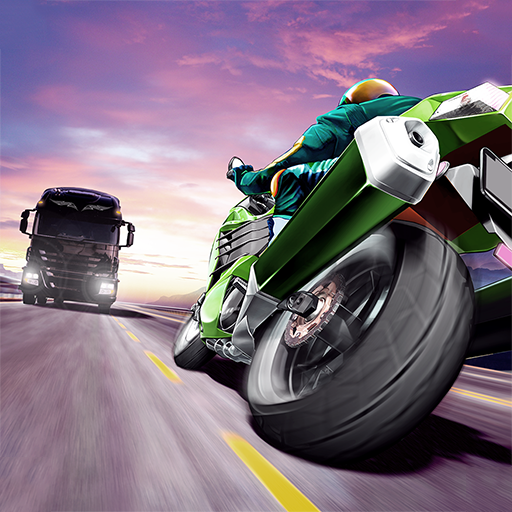
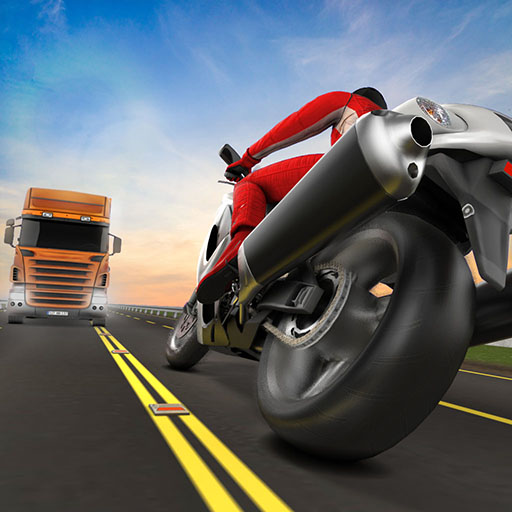
Traffic Rider places the road directly in front of your motorcycle. From the first-person viewpoint, nearby vehicles can quickly fill the available space, so speed must be balanced with steering precision and the ability to brake. Career missions turn that traffic reading into specific goals, including reaching a destination on time.
Progress rewards you with money for bike upgrades and further motorcycles. Additional modes provide different ways to use the same skills, from an extended ride to a timed distance attempt. A stronger bike can offer more performance, but it also makes careful judgement of the road ahead more valuable.
How to Play Traffic Rider
Begin with an available mode and read its objective. Accelerate with Up, steer with Left/Right, and brake with Down to avoid traffic while completing the mission or extending the ride.
- Select an available mode, beginning with Career when other options are still locked.
- Ride through traffic using acceleration, braking, and steering to maintain a usable gap.
- Meet the current objective and use rewards to improve the motorcycle or buy another.
Controls & Timing
First-person gap judgement
The vehicle ahead can hide the space beyond it. Leave enough distance to recognise whether the next lane is genuinely clear before moving into it.
Progress and performance
Career rewards support upgrades and new bikes. After changing performance, learn the revised response before attempting the same tight passes at a higher speed.
Controls
| Input | Action | When to use |
|---|---|---|
| Up arrow | Accelerate. | When there is room to build forward speed. |
| Down arrow | Brake. | When the route requires a slower or corrected approach. |
| Left / Right arrows | Steer the motorcycle. | While following the route and avoiding obstacles. |
High Score Tips
- Look beyond the nearest bumper. Track the line of vehicles farther ahead so a pass does not end at another obstruction.
- Brake before committing to a closed lane. A small early slowdown is easier to recover from than a collision.
- Learn a new bike on a manageable objective. Higher performance changes how quickly you reach each gap.
- Keep mission completion ahead of a bonus. An extra close pass should not jeopardise reaching the required destination.
Key Features
- Rider perspective. First-person motorcycle traffic driving.
- Mission progression. Career progression with mission rewards.
- Session variety. Choose Endless, Time Trial, or Free Ride sessions.
- Bike development. Bike purchases and performance upgrades.
Frequently Asked Questions
How do I control the motorcycle?
Use Left/Right to steer, Up to accelerate, and Down to brake. Keep some room ahead while learning how quickly a lane change takes effect.
Are all modes available immediately?
Progress through Career and check the mode menu as new options become available. Read the displayed unlock requirements before choosing your next goal.
What happens if I collide with traffic?
A collision ends the race. Brake or choose another route before a gap becomes too small rather than relying on riding through contact.
What can I spend earned money on?
Motorcycle upgrades and new bikes offer different performance options. Compare the available options and practise the changed performance before assuming it will improve every attempt.