
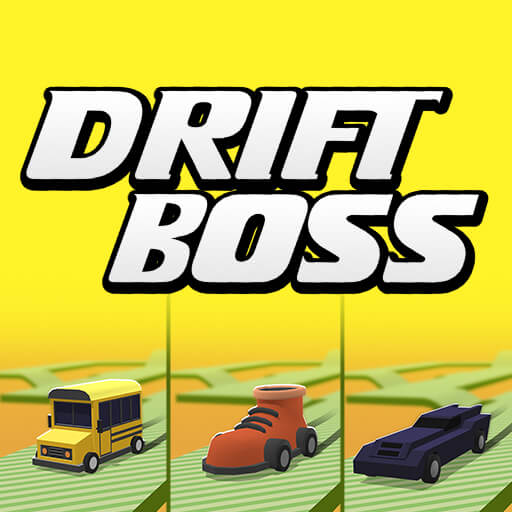




About Drift Boss
Drift Boss makes a single input do two jobs. Holding the control sends the car one way, and releasing it changes the direction again. The challenge comes from fitting that rhythm to a raised track whose corners, bumps, and narrow sections do not wait for you to become comfortable.
The apparent simplicity is useful: there are few controls to remember, so each failed attempt can teach you something about timing. Unlockable cars add variety, but the fundamental task stays clear. You need to recognise when the next section requires a new input and allow enough room for the car to reach it.
How to Play Drift Boss
Hold the left mouse button or Space to drift right, and release to go left. On the touch interface, use the same hold-and-release pattern. Stay on the platform and time each transition to match the road ahead.
- Start the car on the raised track and locate the first corner.
- Hold to move right and release to move left as the track changes direction.
- Keep each transition within the platform edges; after a fall, adjust the timing that caused it.
Controls & Timing
Two states, one control
Release is an active part of steering, not a rest period. Think of the route as a sequence of held and released states, and watch where the next change needs to begin.
Bumps and narrow sections
A corner approached from the wrong part of the platform leaves less margin for the next input. Keep attention on alignment after the turn, especially when a bump changes the approach.
Controls
| Input | Action | When to use |
|---|---|---|
| Hold left mouse button / Space | Drift right. | When preparing for a turn or changing direction. |
| Release the input | Move left. | When preparing for a turn or changing direction. |
| Touch and release | Use the corresponding right/left pattern on the touch interface. | When preparing for a turn or changing direction. |
High Score Tips
- Watch the next transition. Looking only at the car makes it harder to prepare the next press or release.
- Correct timing rather than holding longer. A longer press is not automatically a stronger or safer manoeuvre.
- Learn the narrow sections separately. Identify whether you consistently arrive too early or too late before changing several habits at once.
- Judge a new car by repeatability. A different unlock is useful when it makes the timing easier for you to reproduce.
Key Features
- Two input states. One-button press-and-release steering.
- Narrow platforms. Raised tracks with narrow corners and bumps.
- Short attempts. Survival-focused repeated attempts.
- Vehicle choices. Additional vehicles to unlock.
Frequently Asked Questions
What does releasing the button do?
It sends the car left. Because release changes direction, it is part of the control sequence rather than simply stopping the previous action.
Can I use the keyboard?
Space is an alternative to the left mouse button. Both follow the same held-right and released-left pattern.
Why do I fall after clearing a corner?
You may have completed the turn without aligning for the next section. Look beyond the corner so the next input starts from a manageable position.
Is it a normal racing game?
The focus is staying on the platform through timed direction changes, not beating opponents to a finish line. Precision matters more than a conventional racing line.