
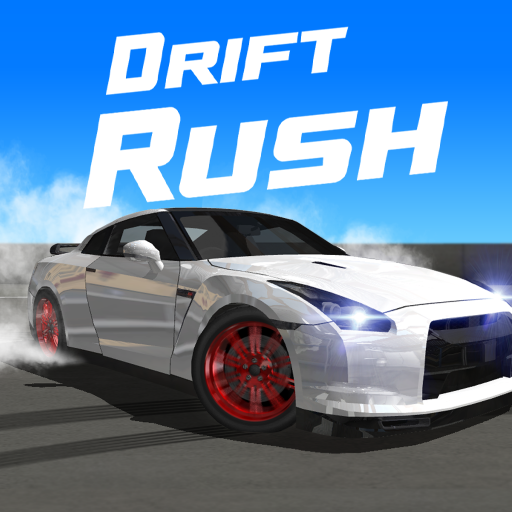
About Drift Rush
Drift Rush presents drifting as a combination of car setup and track reading. City roads, mountain passes, and dedicated challenges offer different clipping areas and corners to learn. The goal is not merely making the rear of the car slide; it is keeping that slide useful as the road changes.
Customisation includes appearance and performance, letting you develop a car around the driving you prefer. Those choices are easiest to evaluate when your technique is consistent. A measured approach to one familiar corner can reveal more about a new setup than immediately attempting the fastest possible run through an unfamiliar map.
How to Play Drift Rush
Choose a vehicle and challenge, learn the steering, throttle, and brake controls, and use throttle with countersteering to maintain controlled drifts. Connect suitable corners and use earned rewards to develop your car.
- Choose a challenge and learn the steering, throttle, and brake controls.
- Balance throttle and countersteering to sustain a controlled slide through the corner.
- Connect suitable drifts and review the resulting rewards before adjusting the car.
Controls & Timing
Angle and duration
A larger angle is not automatically a better drift if it prevents you from continuing. Consider speed, direction, and the next part of the track together when correcting the slide.
Car setup and track type
A setup that feels comfortable on a wide city corner may behave differently on a narrow mountain section. Test the response rather than treating one upgrade as a solution to every layout.
Controls
| Input | Action | When to use |
|---|---|---|
| In-game driving controls | Check the control menu for steering, throttle, and brake bindings before driving. | When the route requires a slower or corrected approach. |
High Score Tips
- Learn the exit before seeking more angle. An aligned continuation creates a better basis for the next drift.
- Make tuning changes measurable. Compare attempts on the same corner after changing one component.
- Use countersteering as a correction. Do not let it become an uncontrolled sequence of opposite inputs.
- Separate appearance from performance. A visual change does not establish that the car’s handling has improved.
Key Features
- Varied drifting settings. 3D drifting across varied locations.
- Sustained scoring. Scoring built around controlled slides and continuity.
- Personal appearance. Vehicle appearance customisation.
- Performance tuning. Performance upgrades including engine, brakes, and suspension.
Frequently Asked Questions
What matters during a drift?
Drift angle, speed, and duration all matter. Manage them together; maximising one while losing the route can make the overall attempt worse.
Can I customise a car?
Yes. You can make visual changes and performance upgrades. Judge mechanical changes on a familiar track rather than relying on appearance.
Where can I check the keyboard controls?
Open the settings or tutorial to check your driving inputs. Learn steering and braking first, then practise initiating a controlled slide.
Should I use the same approach on every map?
No. Track width, corner shape, and the next transition change what the car needs to do. Adapt the approach before assuming the setup is at fault.