
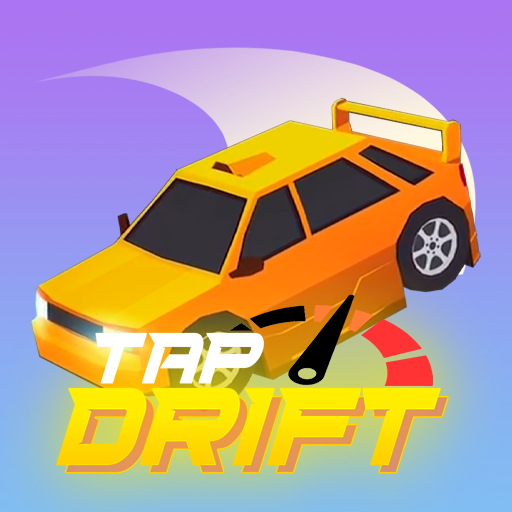

About Tap Drift
Tap Drift reduces car control to a sequence of carefully timed drifts. The car accelerates automatically, and a yellow-marked turn signals the next decision. Begin too early or too late and the attempt ends; time the input well and the car carries on toward another bend.
Successful drifts build experience and combo streaks. Levelling up awards loot boxes containing items such as cars, skins, effects, and upgrade elements. Those rewards give repeated attempts a purpose, but the skill at the centre remains reading a corner at the current speed rather than repeating a fixed rhythm.
How to Play Tap Drift
Watch for the yellow turn marking, click just before the bend, and hold the left mouse button to maintain the drift until it finishes. Prepare for the next corner immediately as the car continues accelerating.
- Start the run and watch for the yellow marking before the next bend.
- Press just before the turn and hold through the completed drift.
- Repeat at the increasing pace, then review earned experience and level-up rewards after the attempt.
Controls & Timing
Beginning and sustaining the drift
The start of the input determines whether the car enters the bend correctly. Holding then maintains the manoeuvre; treating every corner as a quick tap can miss that second stage.
Increasing speed
Later bends arrive sooner as the pace builds. Use the road cue to judge the input instead of relying only on the time elapsed since the previous corner.
Controls
| Input | Action | When to use |
|---|---|---|
| Left mouse button: press and hold | Begin and maintain a drift through a corner. | When preparing for a turn or changing direction. |
| Release after the drift | Finish the hold before preparing the next turn. | When preparing for a turn or changing direction. |
High Score Tips
- Watch the yellow cue ahead. Recognising it early leaves time to judge the start of the bend.
- Hold through the completed drift. Do not release simply because the initial turn looked successful.
- Recalibrate as the car speeds up. An opening rhythm may be too slow for later corners.
- Protect the next clean turn. A combo survives through accurate inputs, not through rushing the following drift.
Key Features
- Timing challenge. Automatic acceleration with timed drifting.
- Visible turn cues. Yellow turn markings that guide the next input.
- Performance rewards. Experience and combo rewards for successful runs.
- Random unlocks. Level-up loot boxes with cars, cosmetics, and upgrade items.
Frequently Asked Questions
Is a single click enough?
Click and hold through the drift. Time the start just before the bend, maintain the input until the manoeuvre finishes, and then prepare for the next turn.
What ends the run?
A drift started too early or too late can end the attempt. Increasing speed makes those timing decisions more demanding as you continue.
How do I get loot boxes?
Accumulate experience to level up. Level rewards include loot boxes that may contain car models, skins, drift effects, or upgrade elements.
Why does my timing stop working later?
The car’s pace increases during survival. The same delay between recognising a corner and pressing the button can become too long, so respond to the current road position.